
Scheduling and field operations
Review dispatch, work orders, estimates, invoices, payments, and mobile field tools.
ServiceDax is an independent field service software directory that helps contractors compare platforms before they commit. Each profile brings features, pricing, contract terms, support, integrations, security, and data export details into one source-linked research file.
Documented scores measure the public evidence we could verify. They do not measure product quality or decide which software fits your business.
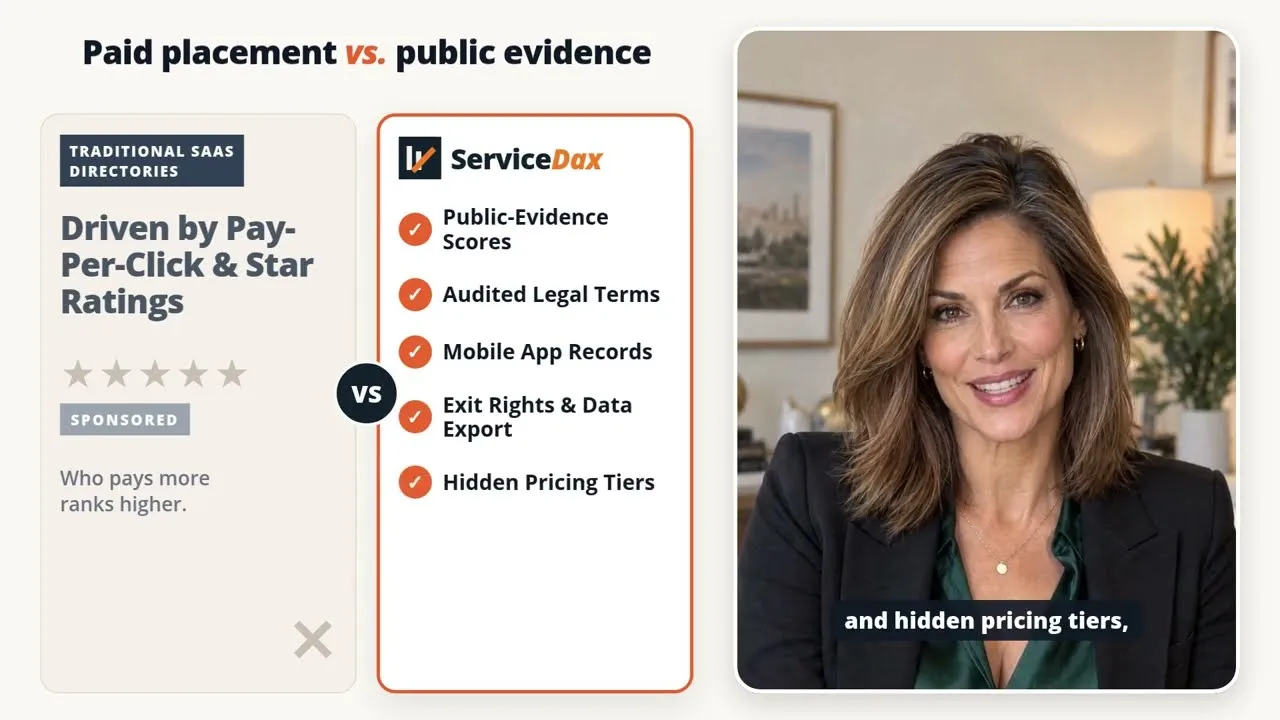
Software decisions get harder when pricing, contract terms, and data exit rules are scattered across different sources. This 45-second introduction explains why we put the public evidence in one place before you commit.
See how we score public evidence ↗Home service businesses need more than a feature list. ServiceDax checks the operating details that can shape implementation, field adoption, and what happens if you later decide to leave.
Review dispatch, work orders, estimates, invoices, payments, and mobile field tools.
Find public pricing, billing models, commitments, renewal terms, and cancellation windows.
Check documented connections to accounting platforms, payment tools, APIs, and other systems.
See published contact methods, support hours, escalation paths, and operating evidence.
Separate vendor security statements from independent assurance that can be verified publicly.
Look for practical ways to retrieve customer, job, photo, invoice, and payment records.
These profiles show how ServiceDax documents established and newer platforms. They are useful starting points, not endorsements.
San Diego, California, United States
Los Angeles, California, United States (Joby CRM LLC mailing address); Google Play lists a Miami, Florida app-seller address
Global supplier; U.S. buyers contract with Zoho Corporation (US), while Zoho’s corporate headquarters are in Chennai, India
Dallas, Texas, United States
Atlanta, Georgia, United States
St. Petersburg, Florida, United States
Canning Vale / Perth, Western Australia
San Francisco, California notice address; public Facebook and app-store records also show San Diego addresses that Coperniq has not publicly reconciled
Global supplier with a published Miami headquarters and offices in the United States, Australia, New Zealand, and the United Kingdom
Ahmedabad, India
Goodyear, Arizona, United States
San Diego, California, United States
Holmdel, New Jersey, United States
United States; city not verified
Forest City, North Carolina, United States
Broomfield, Colorado, United States
Bellingham, Washington, United States
Spartanburg, South Carolina, United States
Each profile shows its documented score out of 100. Gallery position does not indicate rank, product quality, or which platform you should buy.
A vendor website shows the finished pitch. A recorded sales demo shows what the rep covered, what they skipped, and what a buyer had to ask. If you attended a demo and kept the video, audio, or transcript, we want to hear from you.
We are building a private source library to strengthen future ServiceDax profiles with details buyers hear before they sign. Tell us what you have. We will contact you before asking for a file.
Share your demo experience ↗What counts
Do not send passwords, customer records, payment details, or material you do not have permission to share.
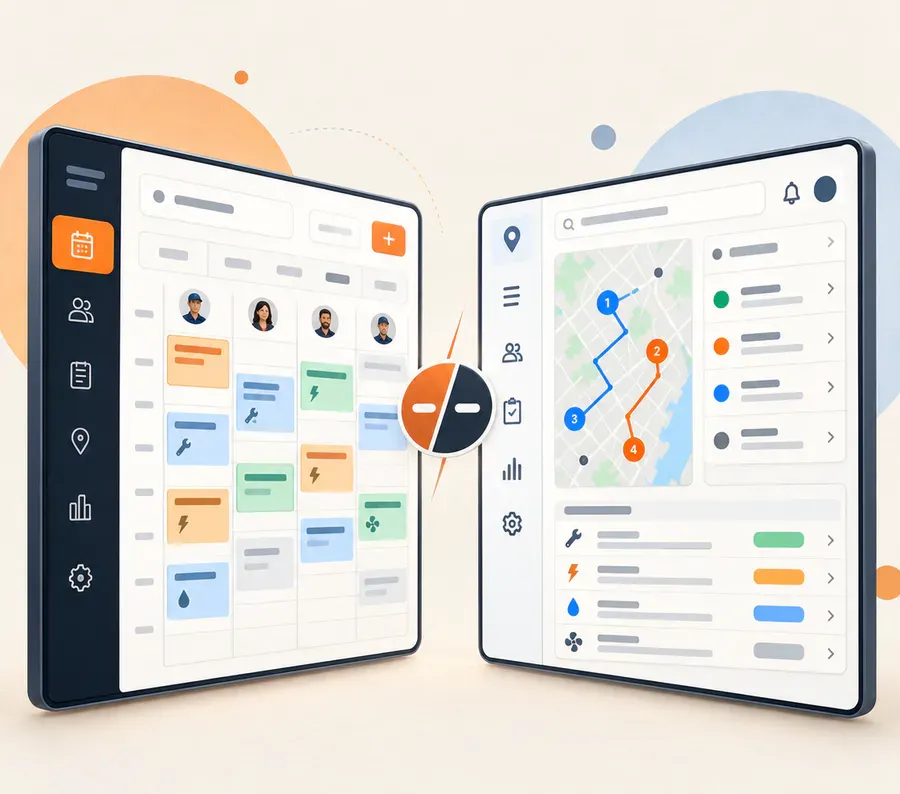
ServiceDax uses the same research categories for every platform. Put two profiles next to each other to compare operating fit, integrations, mobile access, support, pricing clarity, security evidence, and data exit terms without switching between vendor tabs.
Start a software comparison ↗Vendor pages tell part of the story. ServiceDax also checks product documentation, terms, registries, public filings, and independent review platforms where those sources apply.
Each finding keeps its source URL, source class, and research date.
Every platform is reviewed against the same questions and visible point limits.
If we cannot verify a claim publicly, the profile says what we looked for and did not find.

Browse the directory, open the profiles that fit your work, and compare the details you want a vendor to confirm in writing.